Still have question?
Can’t find the answers you’re looking for? Please chat to our friendly team.


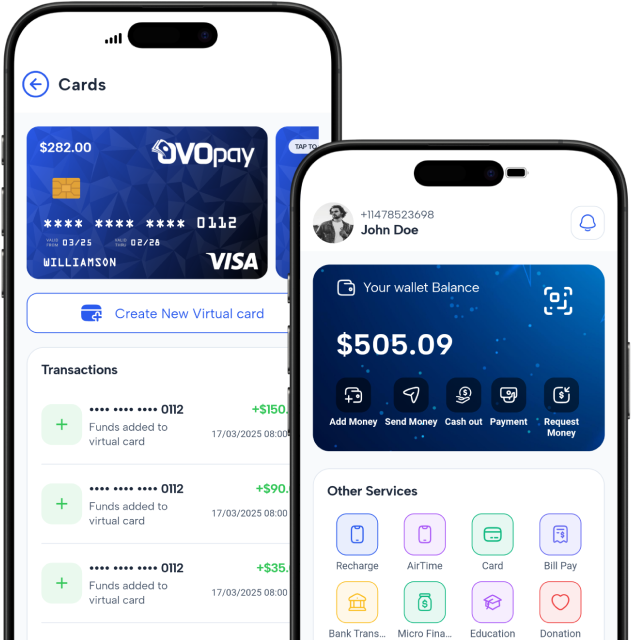
Add Money lets users choose a source, enter an amount, and confirm the transaction.

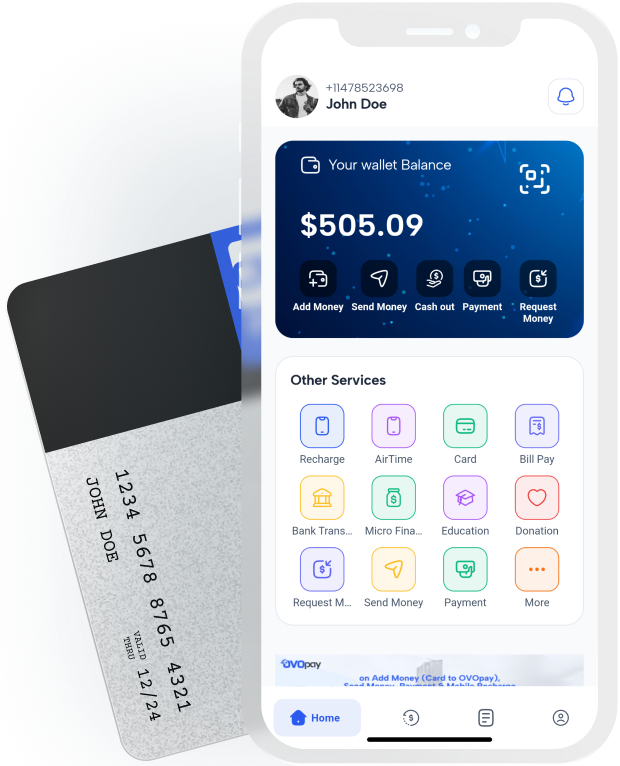
Quickly and securely send or receive money anytime, anywhere. Enjoy fast, hassle-free transactions without any complications.

Create secure virtual cards for online shopping with customizable limits.

Set and track automated savings goals with flexible contribution options.

Quickly pay utility bills with automatic reminders for due dates.

Seamless and secure mobile recharges anytime, anywhere. Stay connected without any hassle.

Easily make donations anytime, anywhere. Support causes that matter with fast, secure, and hassle-free contributions.
Quick and secure merchant payments anytime, anywhere. Enjoy seamless transactions with no hassle.

Effortlessly cash out your funds anytime, anywhere. Enjoy fast, secure, and hassle-free withdrawals.

Create an account in minutes with your phone number

Link your bank, card, or wallet to load funds instantly

Send, Received, Pay Bills or shop with ease—all in one app
Daily Transaction
Supported Bank
Total User
Total Transaction

OvoPay is the future of mobile financial services. The app is intuitive and works perfectly every time. Sending money has never been easier, and I feel confident about the security of my transactions. It's the perfect tool for anyone on the go! I'm thoroughly impressed with how reliable and efficient it is.

I’ve been using OvoPay for all my transactions, and I’m impressed by how smooth everything is. I can’t imagine going back to anything else. The app is fast, secure, and so easy to use. It’s an absolute game-changer for anyone who wants a hassle-free way to manage their money!

I love using OvoPay! Sending and receiving money is so fast, and I never have to worry about security. The process is so straightforward, and everything is handled with ease. Whether I’m paying for services or sending money to friends, it’s always quick and seamless. Definitely the best financial service I’ve used!

OvoPay has completely transformed how I manage my payments. It's quick, secure, and makes transferring money easier than ever! I no longer need to worry about slow transfers or security issues. The app is so user-friendly that I can use it anytime, anywhere. Highly recommend it to anyone looking for a reliable payment solution!

Can’t find the answers you’re looking for? Please chat to our friendly team.

The Mobile Financial Services (MFS) industry is transforming the way people conduct financial transactions. As digi...
Read More
In the digital age, financial transactions have evolved beyond traditional banking methods, paving the way for Mobi...
Read More
The Mobile Financial Services (MFS) industry has witnessed an unprecedented surge in adoption, reshaping how people...
Read More